Desktop AI assistant vs browser chat tabs on PC, Mac and Linux
Use a browser AI when the work lives in a tab or you can attach the relevant file. In a supported browser, a site that offers screen sharing can use the window or display you select. An installed desktop assistant is useful when you repeatedly need to ask about a local spreadsheet, editor or settings window. Ace offers a global shortcut, spoken replies and optional single-frame screen capture.

Free Play: 2,000 credits, no card. Ace by Black Label.

Where browser tabs shine and where they create friction
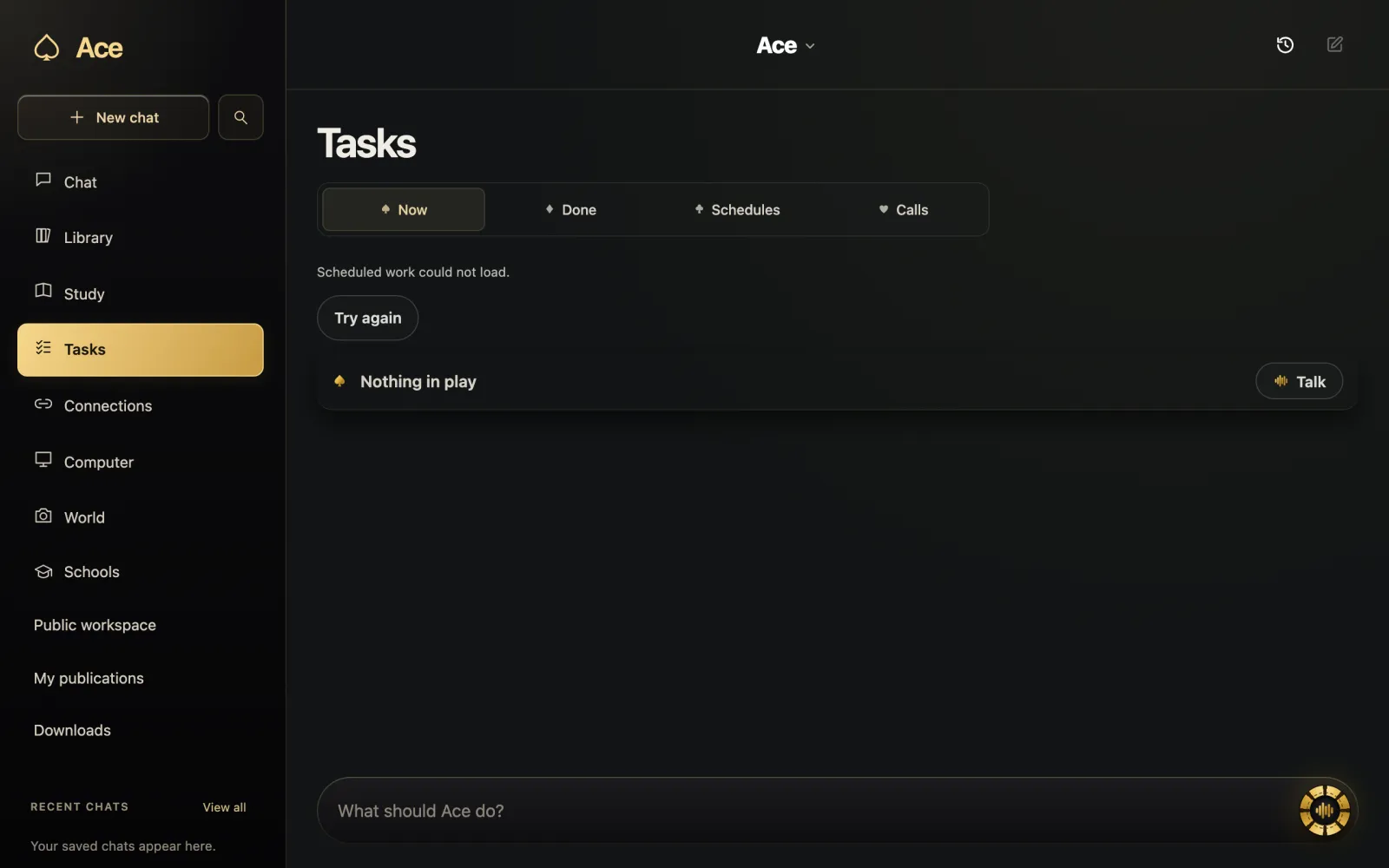
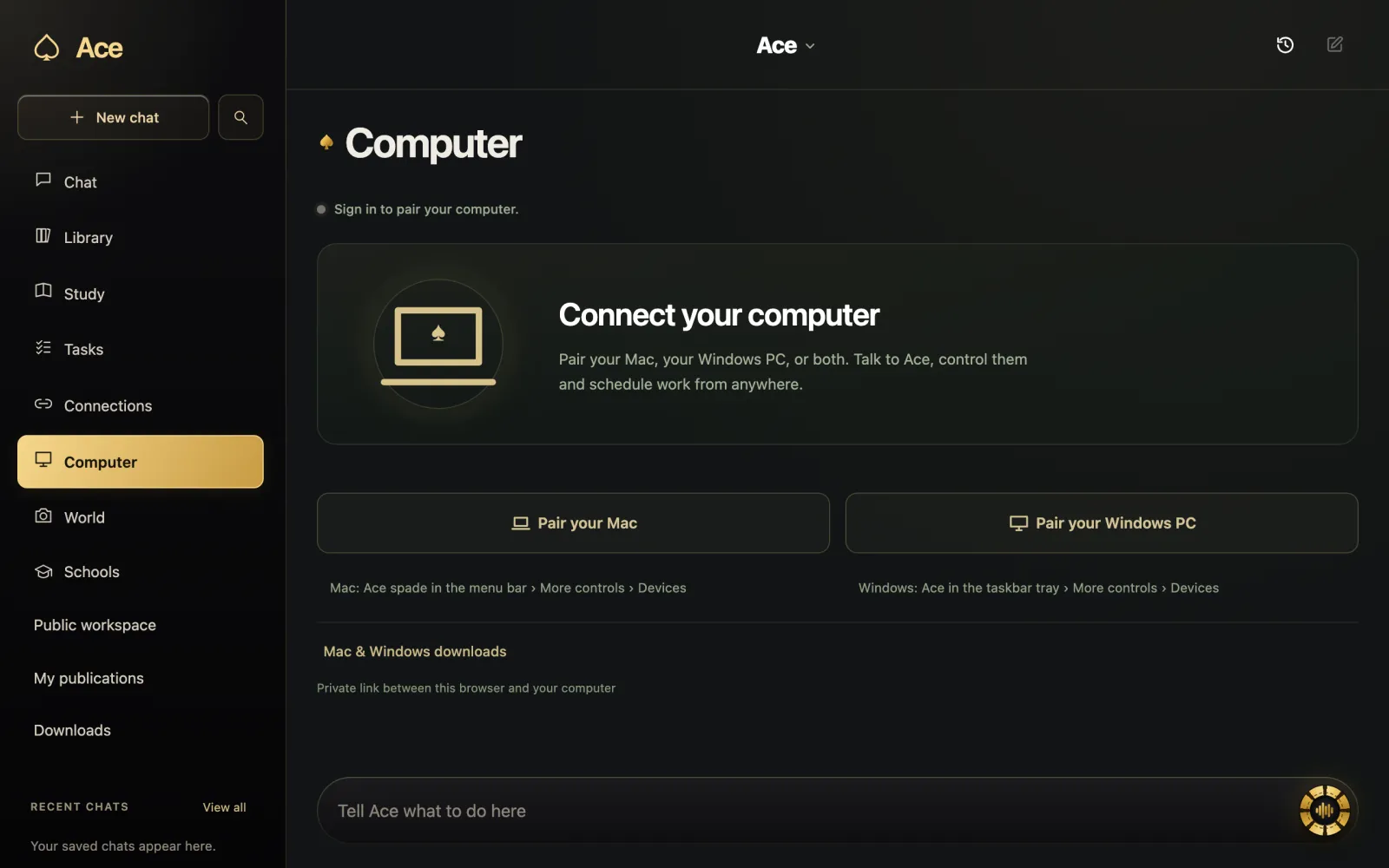
Every major AI provider offers a polished web chat box, and Ace includes a full web workspace too (chat, library, study, tasks, computer pairing, and connectors). You do not have to choose exclusively one or the other.
There are extra steps when the material you need is outside the browser: a local LibreOffice or Excel workbook, a CAD or Figma viewport, a medical PDF, or a Linux terminal window.
- A regular chat tab can use an attachment you provide. If the site and browser support live sharing, you can choose a specific window or display during the session.
- Check whether the browser voice session stays connected when you switch to another app or leave the tab in the background.
- A browser assistant may read selected tabs with permission. To get help with a native app window, look for a screen-sharing option or use a desktop assistant.
Feature comparison: installed Ace desktop app vs browser-only chat
| Daily desk capability | Installed Ace desktop app | Browser-only AI tab |
|---|---|---|
| Global keyboard summon | Ctrl + Shift (Windows) / Command + Shift (Mac) | Depends on the browser, site and any installed extension |
| Single-frame screen help across OS apps | Yes, with revocable OS screen permission | Upload a screenshot or start a supported sharing session |
| Spoken reply while working in another app | Built-in voice out alongside your active window | Depends on the site and background audio settings |
| Operating systems supported | Windows 11/10, macOS 13+ (Intel & Apple silicon), Linux AppImage | Any OS with a modern web browser |
| Shared web workspace & phone access | Included on the same Ace account & balance | Web and mobile app vary by vendor |
Connectors, tasks and multi-machine continuity
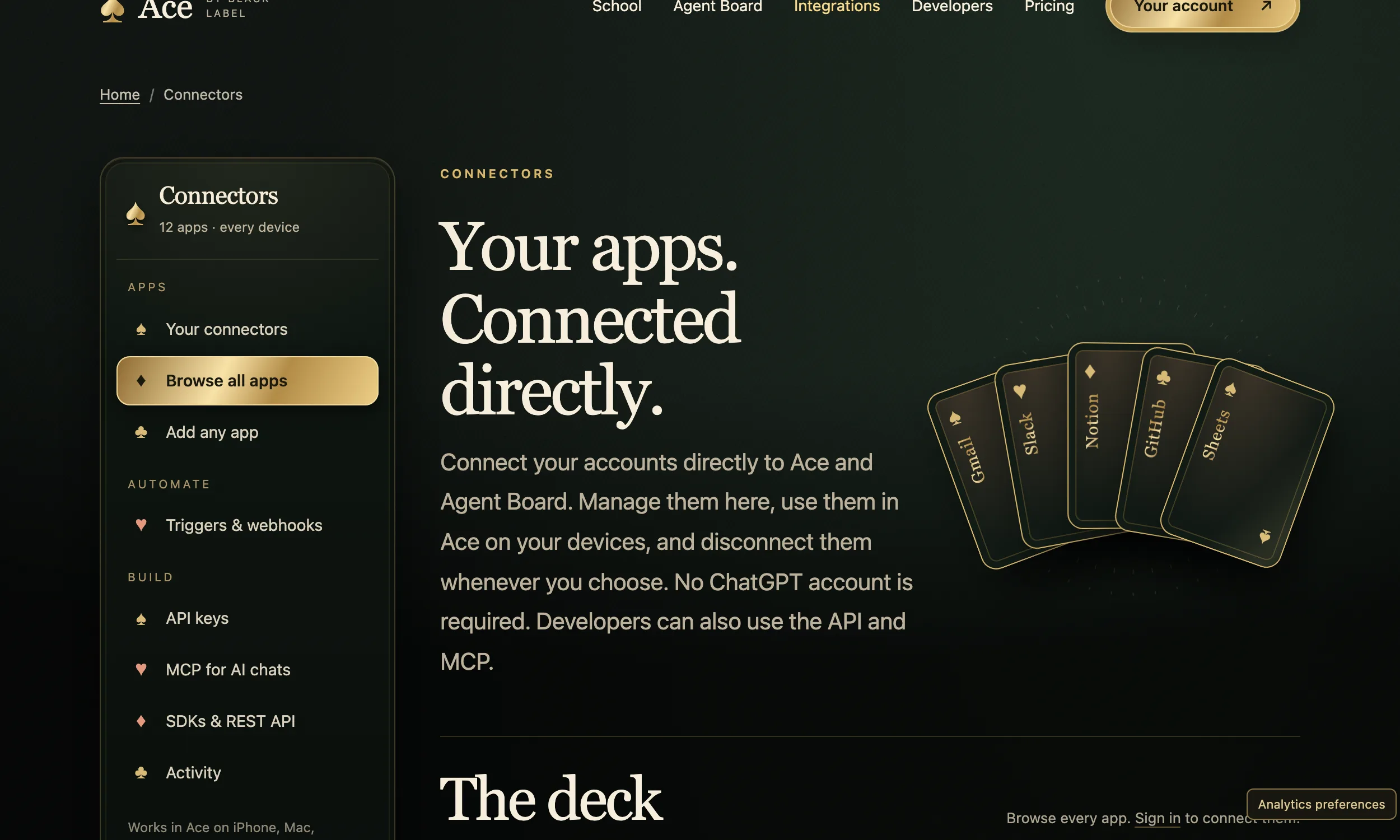
Modern desk work spans more than one computer. Plenty of engineers, students, and founders run a Windows desktop at home, a MacBook on the road, and a Linux workstation or iPhone in between. Because Ace ties your library, tasks, connectors (including MCP integrations on tryacee.com/integrations), and credit balance to one account, you never pay three separate platform tolls.
- Create one free account at tryacee.com — 2,000 Free Play credits, no credit card.
- Download the Windows installer, universal Mac app, or Linux AppImage from your account (each published with SHA-256 fingerprints on the release record).
- Enable only the OS permissions you want and summon Ace over your real work.
What each assistant can see
A browser tab, a live screen share and a single screenshot give an assistant different information. In Chrome, Gemini can work from the current tab and other tabs you choose to share, subject to account and device availability. Screen sharing through a website is a separate browser feature that asks you to choose a tab, window or display each time.
In Ace, screen help uses a single frame when you ask. If you only need help with one table, choose the smallest useful sharing surface, hide confidential material, and verify the answer against the original numbers. For actions in other apps, check what permissions each product requires.
How to evaluate any desktop AI before making it your daily driver
Enter this sample budget into a browser spreadsheet and a local spreadsheet. The three amounts add up to $40.50.
| Item | Amount |
|---|---|
| Postage | $12.50 |
| Supplies | $18.25 |
| Packaging | $9.75 |
- In the browser, share only the spreadsheet tab if the assistant supports it. Ask: What is the total for these three items? Which item is largest, and what does it cost? The expected answers are $40.50 and Supplies at $18.25.
- Copy the same three rows into a local spreadsheet. Ask the same questions with the local window open. Record whether you needed an upload, a window picker or a shortcut to show the assistant the data.
- End the screen share, if active. Start a fresh conversation without reattaching any files. Open a second sample window with different numbers and ask what it shows before granting access. Note what the assistant can describe and whether you gave it access to that source.
With 2,000 free credits on Free Play and transparent monthly or one-time Starter chip packs ($10 for 5,000 chips) on tryacee.com/pricing, you can run that full desktop comparison before spending a cent.
More from Ace
The full overview of Ace for your PC is on tryacee.com/ai-for-pc. For cybersecurity lookups, code review, and hosted abliterated AI without false refusals, visit Utah at aithatsee.com.
Also asked
Can a browser chat tab see the other apps on my desktop?
Yes, if the site and browser support screen sharing and you choose the window or screen in the browser picker. A browser chat can also use a screenshot you attach. Ace can take a single frame with your operating-system screen permission.
Can a browser extension help AI read my desktop apps?
Check the extension’s requested permissions and what it can share. Access to selected browser tabs does not grant access to a native app window. A supported screen-sharing feature can ask you to share that window.
What happens to a voice chat if I close my browser?
Closing the browser tab ends its live voice session. Background audio while the tab remains open depends on the site, browser and system settings.
Do I give up the web workspace if I install the desktop app?
No. Ace includes a full web workspace too, with chat, library, study, tasks, computer pairing and connectors, so you do not have to choose one or the other. The desktop app and the workspace at tryacee.com share one account and one credit balance, along with your library, tasks and connectors.
Can I open a browser chat tab with a global hotkey?
It depends on the browser, operating system and any extension you have installed. Ace has a global keyboard shortcut on Windows and macOS.
How can I test a desktop AI assistant against my browser tabs?
Use the sample budget on this page in a browser tab and a local spreadsheet. Ask for the total and largest item in both. The expected answers are $40.50 and Supplies at $18.25. End sharing, then start a fresh conversation to check what the assistant can see before you grant access.
Can I compare Ace with my browser chat tabs for free?
Yes. Free Play gives you 2,000 free credits with no credit card, so you can run the full desktop comparison before spending a cent. If you need more, a one-time Starter pack is $10 for 5,000 chips, and paid plans start at $20 a month. Voice and images use chips too.
Does a browser chat tab work on more operating systems than Ace?
Ace has native apps for Windows and macOS and a Linux AppImage. A browser assistant may have a wider range of devices, but check the browser and operating-system requirements of the features you plan to use.
Does the Linux AppImage use the same account as Windows and Mac?
Yes. One Ace account and credit balance covers Windows, macOS, Linux, Ace Mobile on iPhone, and the web workspace.
Does installing a desktop AI mean it runs heavy models on my CPU?
No. Ace uses hosted AI (or your own connected subscription on Private Table), so an internet connection is required and local CPU/GPU load stays minimal.
Can I verify the installer file before running it on my workstation?
Yes. Public Mac and Windows builds are listed with their SHA-256 cryptographic fingerprints on tryacee.com/changelog.