Free desktop AI assistants, compared
Most desktop AI assistants have a free way in. Copilot is free on Windows within usage limits, ChatGPT’s desktop app works on its Free plan, Claude’s app is free to use, Apple Intelligence comes with macOS on supported Macs, and Ace starts with 2,000 free credits and no card. Where they differ is voice, screen access, acting in apps and which systems they run on.
Free Play: 2,000 credits, no card. Ace by Black Label.
♠A
♠
Who wrote this, and how
This comparison is written by the team that makes Ace, so read our description of Ace with that in mind. Every other product is described only from its maker’s own pages, which we read on October 28, 2026. We have not ranked them, and no one paid to be included. Free tiers change often, so check each maker’s page before you install anything.
At a glance
| Assistant | Desktop systems | Free use, as published | Screen and actions |
|---|---|---|---|
| Microsoft Copilot | Windows 10 and 11; Mac on macOS 14 or later; Copilot Chat in the browser on Linux | Free on Windows with usage limits; extras need Microsoft 365 Copilot | Copilot Vision sees the app or desktop you choose to share; Microsoft says it will not take actions on your PC |
| ChatGPT desktop app | macOS and Windows; Linux in preview | Available on every ChatGPT plan, Free included | Computer Use on macOS and Windows, not yet in the Linux preview |
| Gemini for desktop | Windows 10 or later; macOS 15 or later on Apple silicon | Price not stated; selected features need a Google AI subscription | You can share what is on your screen; some features are macOS-only for now |
| Claude desktop app | macOS and Windows; Linux in beta for Ubuntu and Debian | Free to use on every plan; some features need a paid plan | Computer use not yet on Linux; desktop extensions reach local tools and files |
| Apple Intelligence | Mac only: M1 or later, or MacBook Neo | Part of macOS; daily limits on server-side features | Siri AI (Beta) on macOS 27 answers questions about the screen |
| Ace | Windows 11 and 10, macOS 13 or later on Apple silicon or Intel, Linux as an AppImage, plus iPhone and the web | Free Play: 2,000 credits, no card | Looks at the screen when you ask; app control is a separate permission |
What “free” means for each
The same word covers very different deals, so the small print is worth a minute.
- Copilot: Microsoft says it is free to use on Windows, within capacity and usage limits; extended limits, priority access and AI features in Office apps need a Microsoft 365 Copilot upgrade. Signing in with a personal Microsoft account adds chat history, longer conversations and voice.
- ChatGPT: the desktop app is included on the Free plan, but OpenAI’s release notes list ChatGPT Voice in the desktop app for Plus, Pro, Business, Edu and Enterprise, not for Free.
- Claude: Anthropic says the desktop and mobile apps are free to use. On Linux, chat works on the Free plan while Claude Code and Cowork need a paid plan.
- Gemini: Google’s desktop page says selected features need a Google AI subscription and are for users 18 and over.
- Apple Intelligence: included with macOS on supported Macs. Apple says expanded access to its server-side features will be available for a fee in the future.
- Ace: Free Play is 2,000 credits with no card. Credits are spent per request, voice and images included; afterwards you top up once, from $10, or choose a monthly plan, from $20.
Questions to ask before you install any of them
- Does it run on every computer you use, and on your phone?
- Can you talk to it and hear the answer, or only type?
- Does it see your screen only when you share or ask, and can you switch that off in the operating system?
- Can it act in other apps, and is that a separate permission you can leave off?
- Whose AI answers, and what does the maker’s privacy policy say about your requests?
- What happens when the free part runs out: a pause until the limit resets, or a purchase?
- Can you remove it cleanly, permissions included?
Best for, honestly
- You work in Microsoft 365 on Windows: Copilot is already there and connects to Word, Excel, PowerPoint, Outlook and Teams.
- You use ChatGPT every day: its desktop app keeps the same account, and Computer Use can operate apps on macOS and Windows.
- You use Claude for writing or code: its desktop app adds desktop extensions and runs Claude Code.
- You are on a Mac with macOS 27 and mostly rewrite text: Apple’s Writing Tools need no install at all.
- You want to ask out loud and hear the answer beside any app, with one balance across Windows, Mac, Linux and your phone: Ace.
Where Ace fits, and where it does not
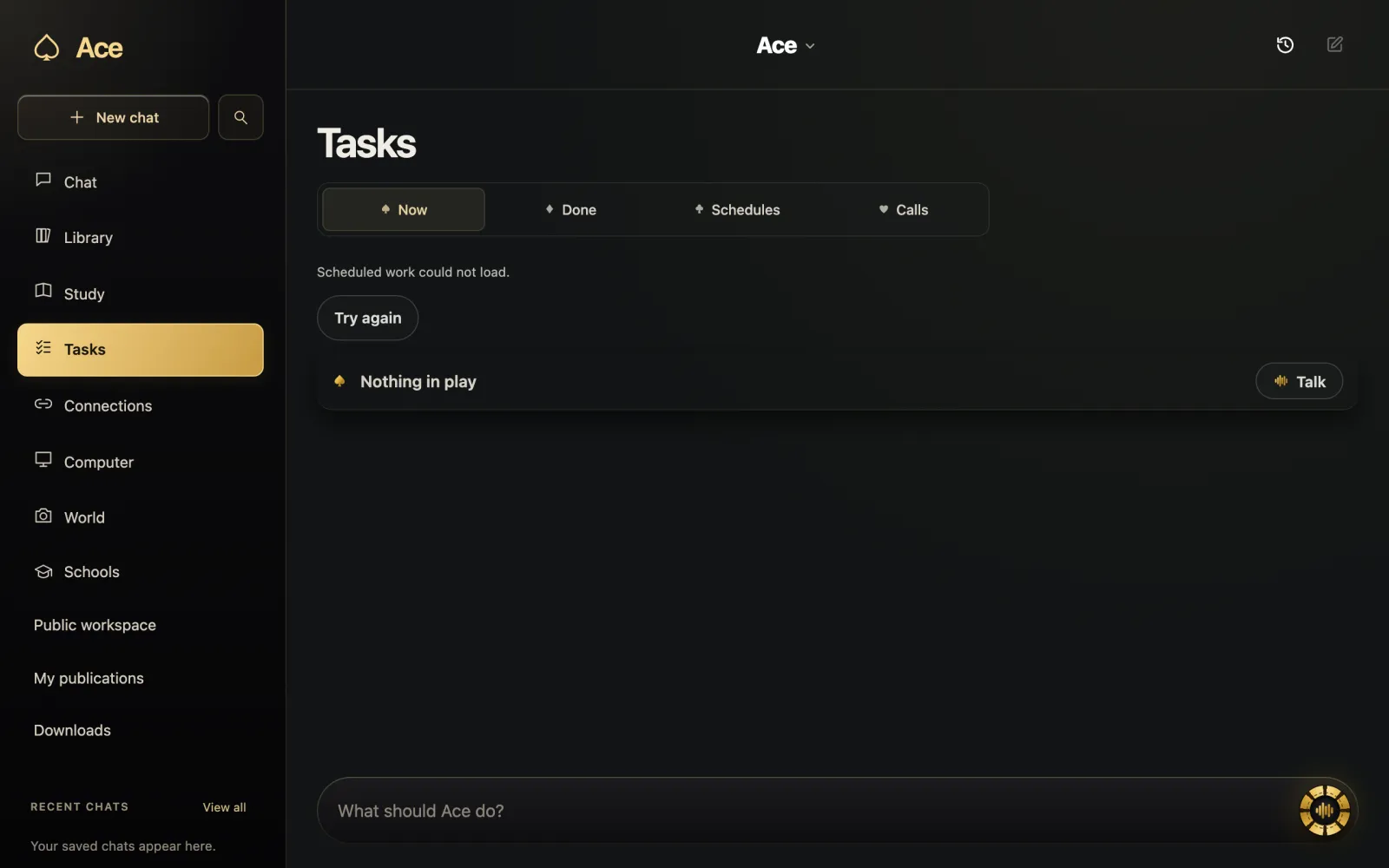
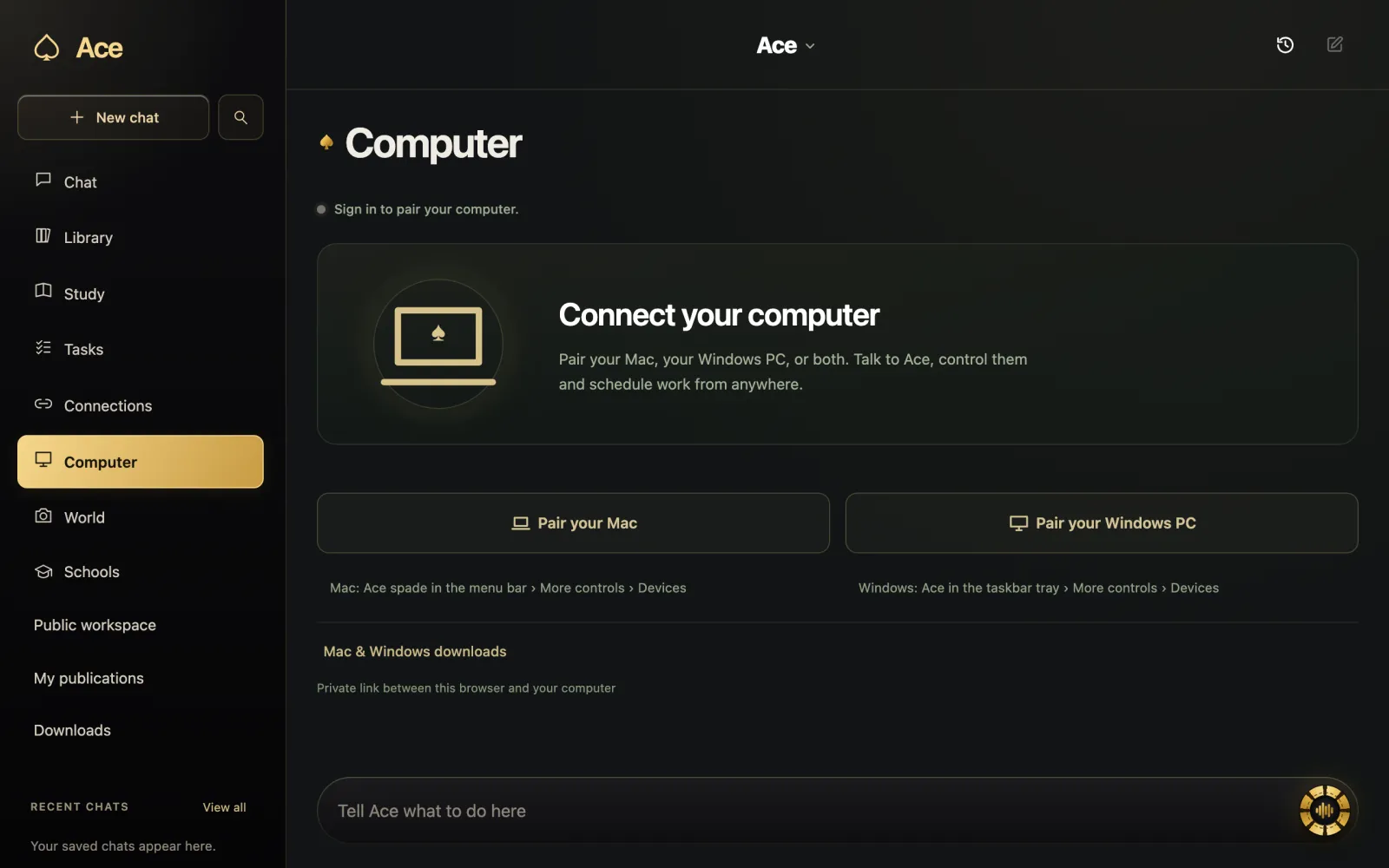
Ace is voice-first: hold Ctrl + Shift on Windows or Command + Shift on a Mac, talk, and it answers out loud. It looks at your screen only when you ask, keeps notes and flashcards from what you heard or read, and uses one account on your computer, your phone and the web. On the Table Pass and Private Table plans it answers with your own ChatGPT, Claude or Grok subscription instead of Ace’s hosted AI.
Its limits are just as real. Ace’s AI is hosted, so every answer needs an internet connection, on every computer. The Mac app needs macOS 13 Ventura or later, so a Mac that cannot update that far is limited to Ace web chat. And unlike a flat usage cap, credits go down with each request, by an amount that depends on the request, the model and the service.
Trying one without regret
- Download only from the maker’s own page or your account, never from a mirror site.
- Allow one permission at a time and see whether the feature you wanted actually works.
- Give it a real task from your week rather than a demo question.
- If it is not for you, uninstall it and switch its permissions off.
- Ace publishes its current downloads with SHA-256 fingerprints, so you can check the file you downloaded.
More from Ace
The full overview of Ace for your PC is on tryacee.com/ai-for-pc.
Also asked
Is there a completely free desktop AI assistant?
Several have free tiers with limits: Copilot on Windows, ChatGPT’s desktop app on its Free plan, Claude’s app, and Apple Intelligence on supported Macs. Ace starts with 2,000 free credits; after that you top up or choose a plan.
Which free desktop AI assistants run on Linux?
ChatGPT has a Linux preview, Claude has a beta for Ubuntu and Debian, and Ace ships an AppImage. Microsoft offers Copilot Chat in the browser on Linux.
Do the free tiers include voice?
Not always. OpenAI lists desktop voice on Plus, Pro, Business, Edu and Enterprise, Microsoft adds voice when you sign in, and Ace’s spoken answers use the same credits as text.
Why is Ace in this comparison?
Because we make it. We describe the other assistants from their own pages and say where each one is the better pick.