What is a desktop AI assistant?
A desktop AI assistant is an app on your computer that you can call up from inside any other app, usually with a hotkey or a wake word, and that can use what is on the machine: your screen, your files, your microphone and, with permission, your other apps. A chat website knows only what you type, paste or upload into its tab.
Free Play: 2,000 credits, no card. Ace by Black Label.
♠A
♠
Desktop assistant or chat website?
| Question | Chat website | Desktop assistant |
|---|---|---|
| How you open it | Find the tab and click into the box | A hotkey or a wake word from inside any app |
| What it knows about your work | What you type, paste or upload | What you allow: the screen, files, the app in front of you |
| Voice | If the site offers it, through the browser’s microphone permission | The system microphone, often with spoken replies |
| Acting for you | Inside the website only | In other apps, if you grant that permission |
| Setup | Nothing to install | An installer, permission prompts and updates |
Neither is better in every case. The difference is reach: a desktop assistant can see and do more, so the permissions you grant it matter more.
What it can reach, and who decides
On Windows and macOS the operating system decides what any app may use, and it asks you first. On a Mac those decisions live in lists under System Settings > Privacy & Security: Microphone, Screen & System Audio Recording, Input Monitoring, Accessibility, and Files & Folders. A well-behaved assistant asks for each separately and lets you refuse the ones you do not need.
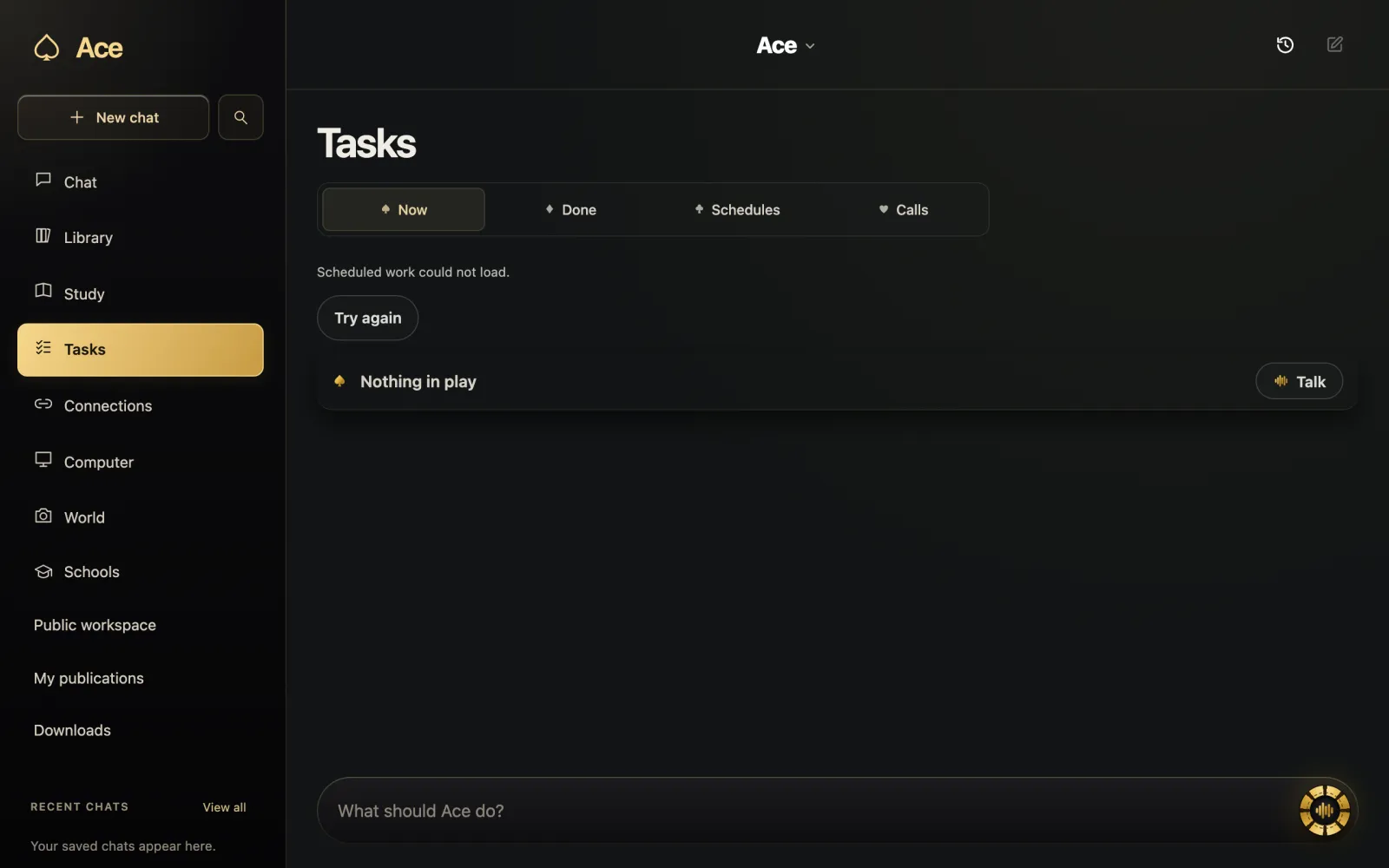
Ace follows that model. Its microphone, screen, file and app-control access each go through the operating system’s own permission prompt, and you can turn any of them off later.
The main kinds you will meet
- Built into the operating system: Copilot on Windows 10 and 11, and Apple Intelligence with Siri on recent Macs.
- Desktop versions of chat services: the ChatGPT, Claude and Gemini apps bring the same account to a window you can summon with a shortcut.
- Voice-first assistants that sit beside your work and answer out loud, such as Ace.
- Agents that operate apps for you, such as ChatGPT’s Computer Use on macOS and Windows.
- Voice control tools, such as Windows voice access and macOS Voice Control, which turn spoken commands into clicks and typing rather than answering questions.
Desktop does not always mean local
An app on your computer can still send your request to a server, and most of them do. Apple Intelligence mixes models on the Mac with Apple’s server-side models. Windows voice access uses on-device speech recognition. Ace runs on your computer and handles your files, recordings and work results there, but the AI that answers is hosted: the request you make, with the context you give it, goes to that AI, so every answer needs an internet connection. On the Table Pass and Private Table plans, that AI is your own ChatGPT, Claude or Grok subscription.
When a chat website is enough
- A one-off question you can type in a sentence.
- A borrowed, shared or locked-down computer where you cannot install software.
- A long document you would upload anyway.
- A phone or tablet, where the browser is already the app.
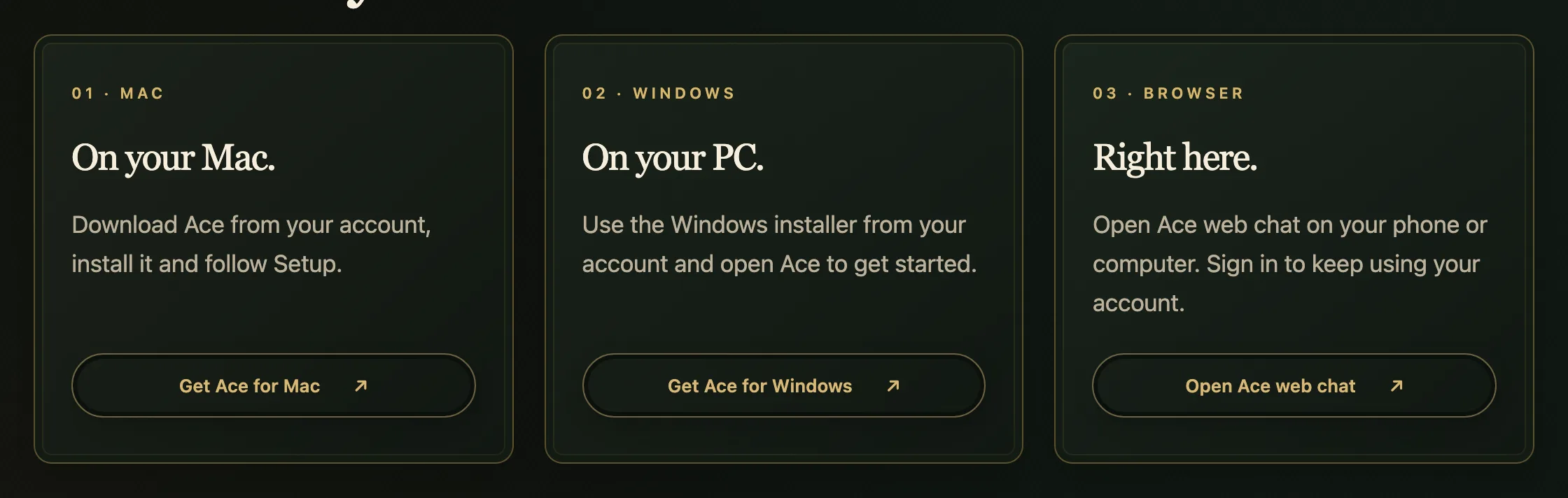
Ace covers that case too: Ace web chat runs in any browser, signed in to the same account and balance as the desktop app.
What to check before installing one
- Download it from the maker’s own site or from your account.
- Read which permissions it asks for, and refuse the ones you will not use.
- Find out how it signs you in and where your history is kept.
- Check what happens when free use runs out.
- Make sure you can remove it, permissions included, as easily as you added it.
More from Ace
The full overview of Ace for your PC is on tryacee.com/ai-for-pc.
Also asked
Is a desktop AI assistant safer than a chat website?
Not automatically. It can reach more, such as your screen and files, so the operating system’s permission prompts matter. Grant only what you will use and switch the rest off.
Does a desktop AI assistant run the AI on my computer?
Usually not entirely. Many send requests to hosted models, and Apple mixes on-device and server models. Ace’s AI is hosted, so each answer needs a connection.
Can I install one on a work or school computer?
Sometimes. The organization may block installs or lock privacy settings, so ask before you install.
Is Ace a desktop app or a website?
Both. Ace runs as an app on Windows, Mac and Linux, and as Ace web chat in the browser, on one account and balance.