A desktop AI assistant for Linux
Linux now has real desktop options. Ace ships an AppImage, ChatGPT’s desktop app is in preview for Ubuntu, Debian, Fedora and Arch, and Claude’s app is in beta for Ubuntu and Debian. An AppImage needs no installation: download it, mark it executable and run it. On Linux you choose Ace’s hotkey yourself, and it uses the same account as your other computers.
Free Play: 2,000 credits, no card. Ace by Black Label.
♠A
♠
Which assistants publish Linux builds
| Assistant | Linux package | Status | Limits the maker lists |
|---|---|---|---|
| Ace | AppImage, from your Ace account | Listed on Ace’s public release record | You choose the hotkey; the AI is hosted, so answers need a connection |
| ChatGPT | .deb for Ubuntu 24.04 and 26.04 and Debian 13; .rpm for Fedora 43 and 44; an install script for Arch; x64 and ARM64 | Preview | No Computer Use yet; native Wayland is experimental and XWayland is the default |
| Claude | Ubuntu and Debian, x64 and arm64 | Beta | No computer use or dictation yet; Claude Code and Cowork need a paid plan |
| Microsoft Copilot | No Linux app; Copilot Chat in the browser | Web only | The desktop apps are for Windows and Mac |
| Gemini for desktop | None listed | No Linux build listed | Google’s desktop page lists Windows and macOS |
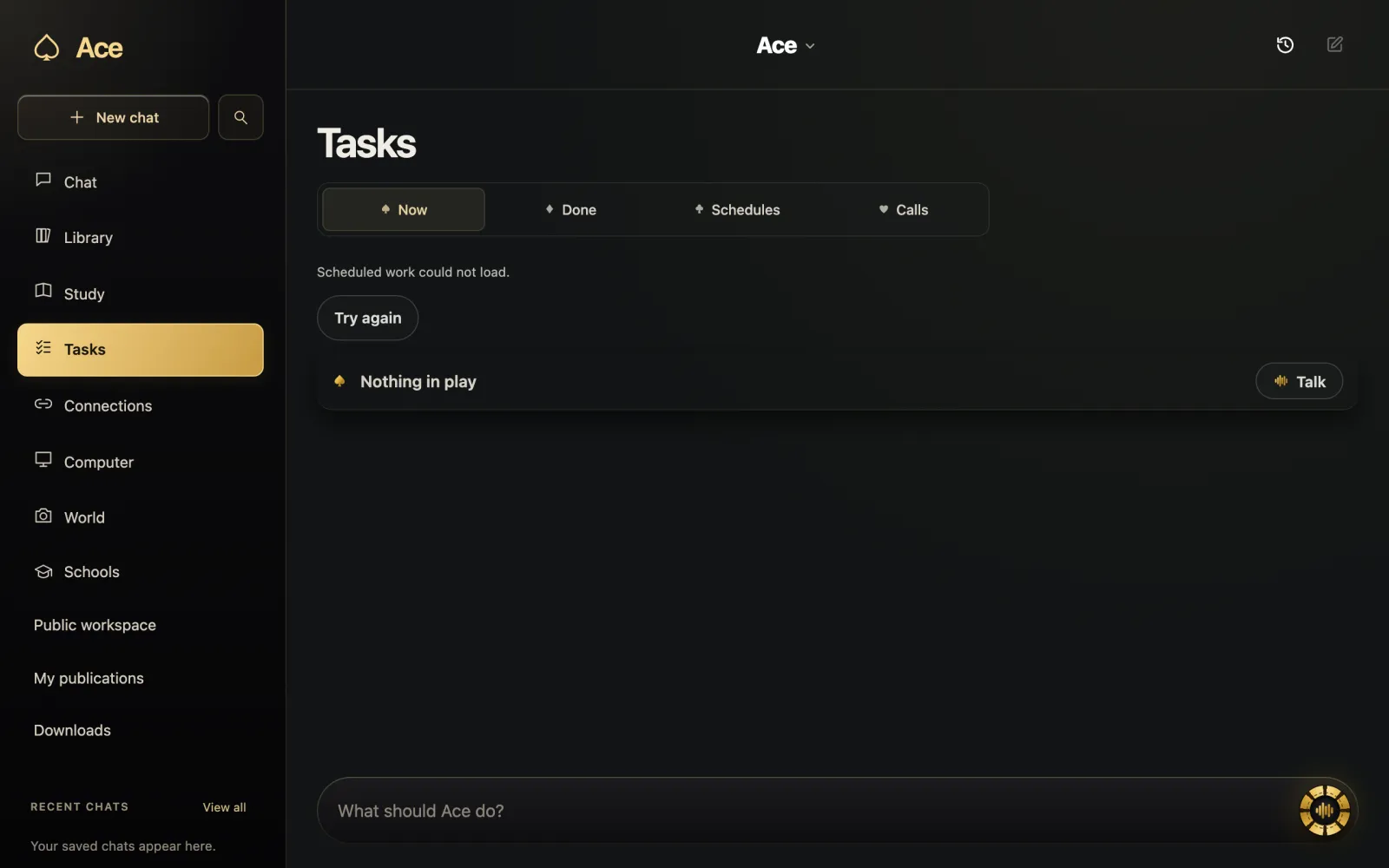
Run an AppImage in four steps
An AppImage is one file that holds one app and everything it needs, which is what lets the same file run across many distributions. There is nothing to install.
- Download the AppImage; for Ace, it comes from your account.
- Make it executable. In Files, Nemo or Caja: right-click it, choose Properties, open Permissions and tick Allow executing file as program. In Dolphin, tick Is executable.
- Or, in a terminal, change to the folder that holds it and run chmod +x followed by the file name.
- Double-click the file, or run it from the terminal with ./ followed by the file name.
If it says “AppImages require FUSE to run”
AppImages rely on a Linux feature called FUSE. Most systems have it working, but when they do not, the AppImage prints that message. The AppImage project’s fixes:
- Ubuntu 22.04 and later, and recent Debian: sudo apt install libfuse2. On Ubuntu 24.04 the package is named libfuse2t64.
- Arch Linux: sudo pacman -S fuse2.
- openSUSE: sudo zypper install fuse libfuse2.
- Last resort: start the file with --appimage-extract-and-run, which unpacks it, runs it and cleans up when it closes. The project warns that this is slow.
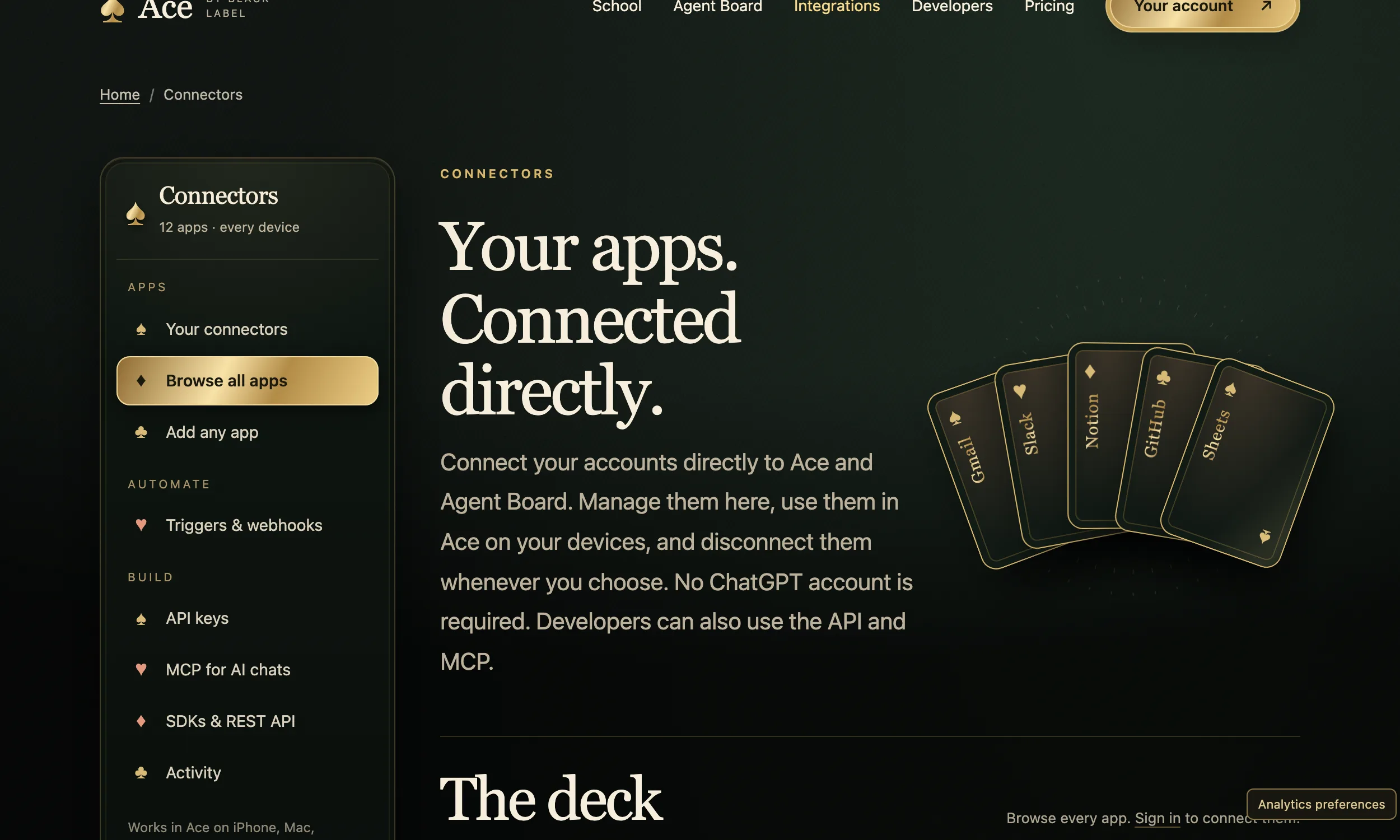
Hotkey, microphone and screen on Linux
Ace uses Ctrl + Shift on Windows and Command + Shift on a Mac; on Linux you pick the keys yourself, so choose a combination your desktop does not already use. Global shortcuts behave differently under X11 and Wayland: Anthropic notes that Claude’s global hotkey works on X11 while native Wayland needs the GlobalShortcuts portal, and OpenAI’s preview runs under XWayland by default. If a hotkey does nothing in a Wayland session, logging in to an X11 session is a quick way to see whether that is the cause.
Pick your microphone in your desktop’s sound settings before you start. What Ace can use on Linux, from the microphone to the screen and files, follows your system’s permissions and the capabilities your desktop provides.
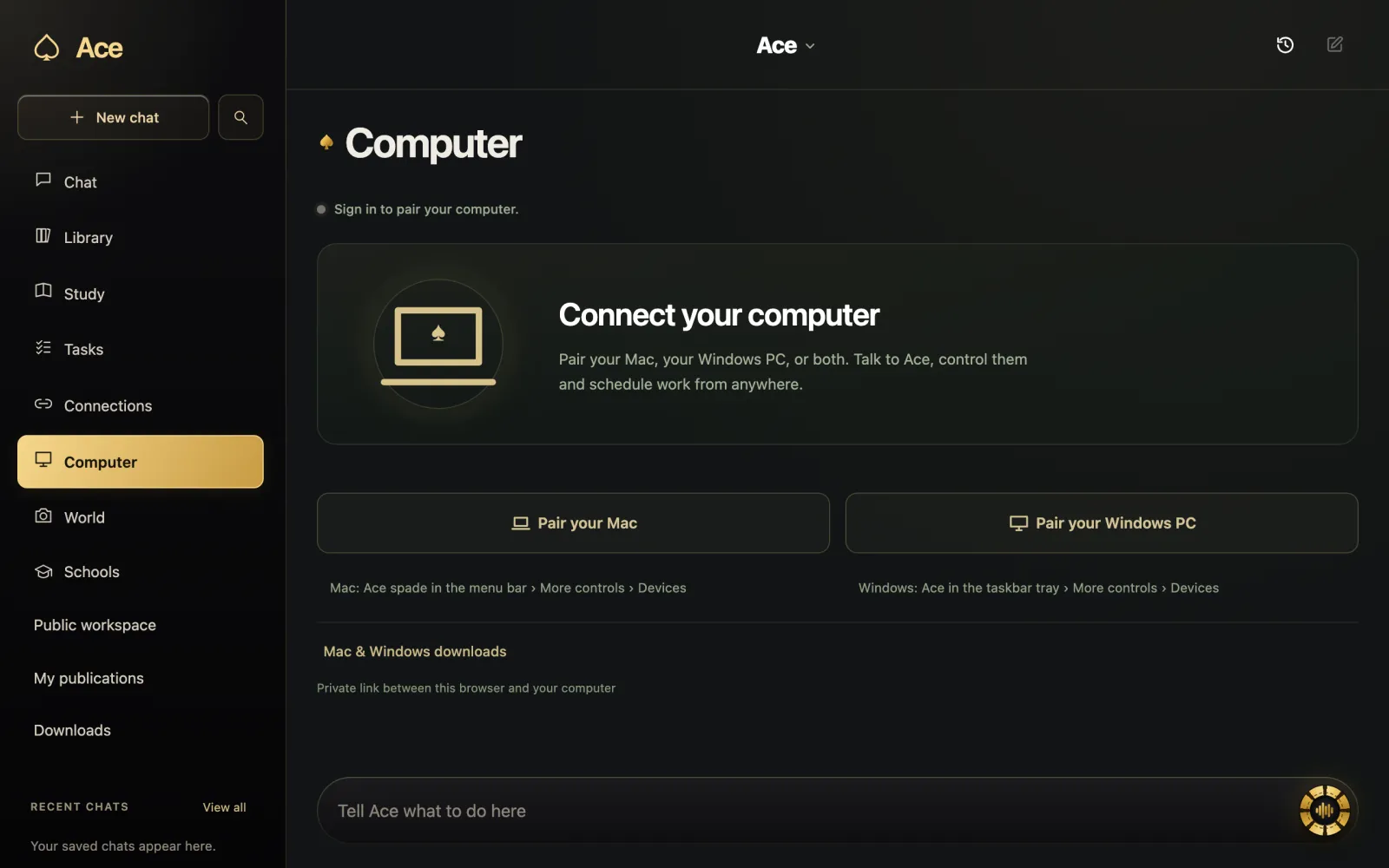
One account across your machines
The AppImage signs in to the same Ace account as the Windows and Mac apps, Ace web chat and your phone, and it draws on the same balance. Free Play starts with 2,000 credits and no card. Because the AI is hosted, a Linux machine with no network cannot get answers, but your files and saved work are handled on the machine itself.
More from Ace
The full overview of Ace for your PC is on tryacee.com/ai-for-pc.
Also asked
Is there an official ChatGPT app for Linux?
Yes, in preview. OpenAI publishes .deb packages for Ubuntu and Debian, .rpm packages for Fedora and an install script for Arch, for x64 and ARM64. Computer Use is not in the Linux preview yet.
Which Linux distributions does Ace support?
Ace publishes an AppImage, a format designed to run across distributions by bundling what the app needs. Check the release record and your account for the current build.
Where should I keep the AppImage file?
Anywhere you like. A folder such as ~/Applications keeps things tidy, and AppImageLauncher moves integrated AppImages there.
Can I use Ace on Linux without the AppImage?
Yes. Ace web chat runs in the browser with the same account; the AppImage adds the hotkey and the desktop features.